
Agents
An agent is a registered worker. The agency shows its presence, version, tasks, usage and logs; the work happens on the agent's machine.
The agents list
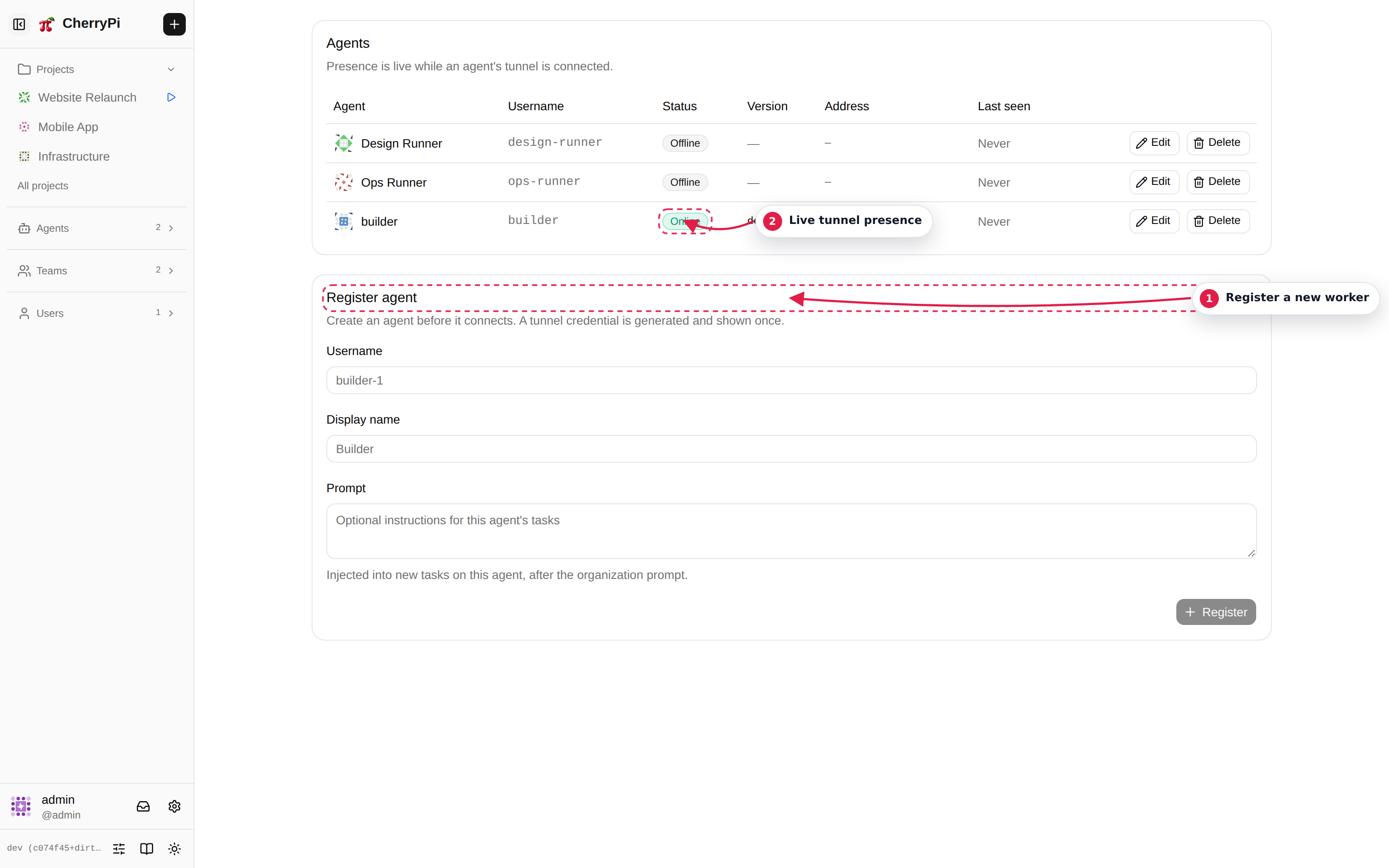
The list shows every agent you own or share through a team. Each row reports:
- Presence — online, offline, or recently disconnected;
- Version — the agent build and protocol version;
- Tasks — current and recent work;
- Owner — who can manage it.
Use Register agent to create a new one. The agency shows a one-time personal access token. Copy it into the agent's CHERRYPI_AGENT_TOKEN (or pass --token pat_…). There is no username/password tunnel credential.
The agent page
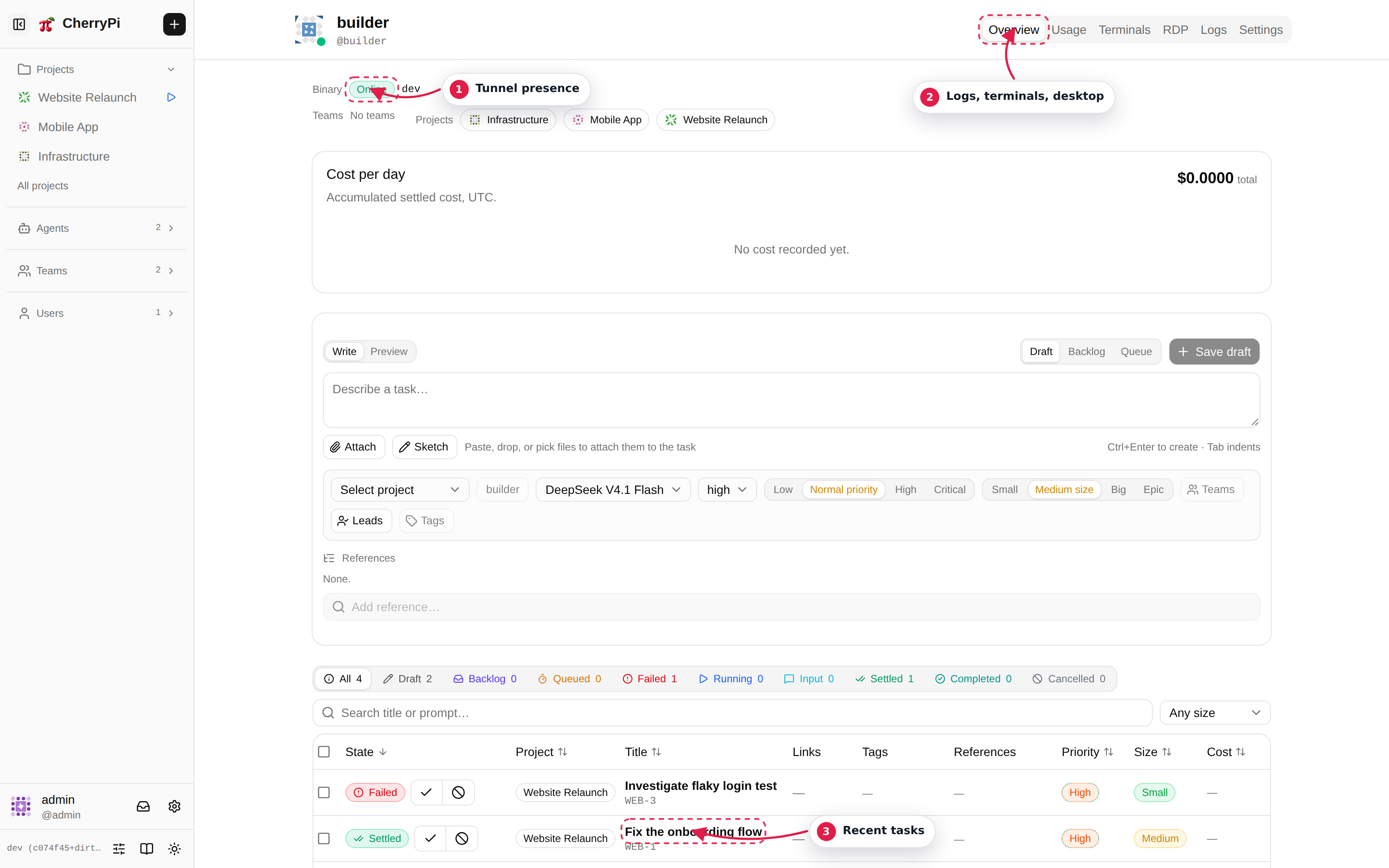
| Tab | What it shows |
|---|---|
| Overview | Identity, presence, host stats, current tasks and recent activity. |
| Usage | Token and cost accounting for tasks run on this agent. |
| Terminals | Root PTYs on the agent machine. Owners can open terminals; others can observe shared ones. |
| RDP | The agent's X display, if DISPLAY is configured. |
| Logs | The agent process log, with filters for lifecycle and connectivity lines. |
| Settings | Name, description, avatar, defaults, ownership, limits and token management. |
The Logs tab is the first place to look when an agent is offline or a task failed to start. It contains the startup version, tunnel connect/disconnect lines, task lifecycle and errors.
Ownership and roles
Creating an agent makes you its first owner. Owners can edit the agent, approve team invitations, manage other owners and open root terminals. Administrators can manage the whole fleet.
An agent can be a member or an admin agent. Admin agents are read-only observers of fleet logs and metadata; only a human administrator can change that role.
Concurrency limits
Open Settings → Limits on the agent to control how many tasks it runs:
- total concurrent tasks;
- concurrent tasks per project;
- per-tag and per-project-tag overrides.
The scheduler drains queued tasks while a slot is free. Defaults are conservative; raise them when the host has capacity and your model provider allows the traffic.
Tokens
The agent's Settings → Security → Personal access tokens section lists, creates and revokes PATs. A token is the agent's only credential:
CHERRYPI_AGENT_TOKEN=pat_…
# or
cherrypi-agent --agency-url … --token pat_…
An explicit token wins over the cached token file. Rotate a token by minting a new one and restarting the agent, or by replacing $CHERRYPI_DIR/agent.token (the bundled Pi tools re-read it).
Removing an agent
Deleting an agent removes its tokens and stops its access. Tasks assigned to it remain in the agency and can be reassigned. Make sure no task is running on the agent when you delete it.